






When software is used in multiple countries, a single-language interface can create confusion, frustration, or even cause users to abandon the product. UI localization solves this by adapting buttons, labels, layouts, icons, and messages to match the language and cultural expectations of users in different regions.
This article explains how software companies localize user interfaces, from planning and workflows to tools and best practices. Whether you’re expanding globally or building with scale in mind, understanding UI localization is essential to delivering a product that feels native to every user.
What Is UI Localization and Why It Matters
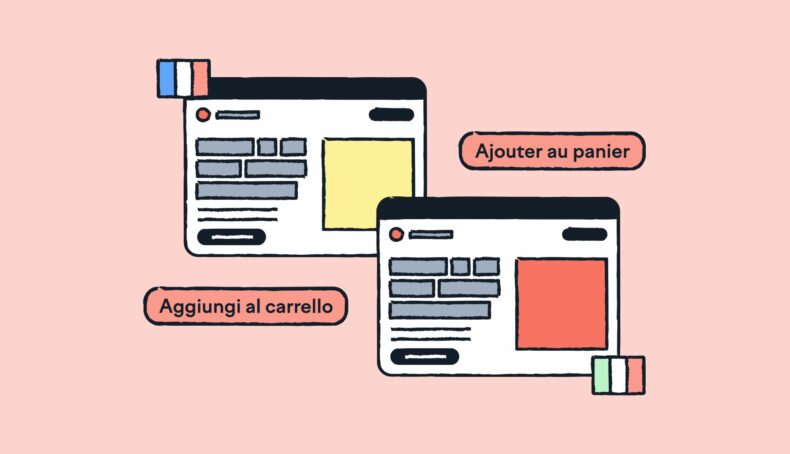
UI localization is the process of adapting the visual and interactive elements of software, such as buttons, menus, labels, dialogs, error messages, and layouts, for specific languages, regions, and cultures. It ensures the interface is understandable, functional, and culturally appropriate for users in each market.
Localization goes beyond translation. It may involve:
- Expanding or contracting text to fit language structure
- Mirroring layouts for right-to-left (RTL) languages
- Adjusting colors, icons, and symbols based on cultural meaning
- Formatting dates, numbers, and currencies correctly
- Ensuring fonts support the necessary character sets
Companies localize their UIs to improve usability, increase adoption in new markets, and build trust with international users. Poor localization can result in confusing experiences and lost customers.
Common UI Elements That Require Localization
| Element | Localization Need |
| Buttons and Labels | Translation and space adjustment |
| Menus | Language and order preferences |
| Icons and Symbols | Cultural appropriateness |
| Text Fields | Input alignment and direction (LTR or RTL) |
| Dates and Numbers | Local formatting standards |
| Error Messages | Clarity and tone for local users |
| Fonts | Character set and rendering support |
Internationalization as a Foundation

Before localization can happen, the software must be internationalized. Internationalization (i18n) is the process of designing software so it can support different languages and regions without changing the source code.
Key tasks during internationalization include:
- Separating UI text from code: Store translatable strings in external resource files.
- Supporting Unicode: Ensure all character sets, including non-Latin scripts, are displayed correctly.
- Designing flexible layouts: Account for text expansion, contraction, and different script directions.
- Handling locale formats: Use locale-specific logic for dates, numbers, and currencies.
- Enabling RTL support: Build layouts that can mirror correctly for RTL languages like Arabic or Hebrew.
- Avoiding hardcoded values: Text, formats, and labels should never be hardwired into the UI.
Internationalization is ideally done during the early development phase. Skipping it may require costly refactoring later.
UI Localization Workflow
Once a product is internationalized, companies can localize the UI for specific regions. This process typically follows a structured workflow:
Step 1: Content Extraction
- Identify all translatable UI elements: buttons, labels, tooltips, error messages.
- Include non-text elements: icons, images, and media with embedded text.
- Use localization tools to manage and export resource files.
Step 2: Translation
- Work with native translators who understand UI context.
- Provide screenshots and character limits to avoid broken layouts.
- Use glossaries and translation memory to ensure consistency.
Step 3: Cultural Adaptation
- Modify visuals and layout where needed to fit cultural norms.
- Adjust color usage, symbols, and metaphors.
- Localize units, currencies, and formatting based on region.
Step 4: Integration
- Re-import localized content into the software.
- Use automated tools to speed up integration without overwriting UI logic.
Step 5: Testing
- Conduct functional, linguistic, and visual QA.
- Use pseudo-localization to simulate layout issues.
- Test across devices and screen sizes.
Step 6: Deployment and Updates
- Allow language switching in settings or at startup.
- Update localized content alongside product updates.
Here’s a summary in table form:
| Step | Focus Area |
| Content Extraction | Identify and export translatable content |
| Translation | Language and context-specific adaptation |
| Cultural Adaptation | Visual and functional localization |
| Integration | Reimporting translations |
| Testing | QA for functionality and appearance |
| Deployment | Final rollout and continuous updates |
Challenges in UI Localization
UI localization involves more than just translating text. It introduces design, technical, and cultural issues that can affect usability and user trust. Below are the most common challenges software teams face during localization.
1. Text Expansion and Contraction
Translated text often takes more or less space than the original. For example, English-to-German translations can increase text length by up to 35%, while Chinese may require less space. If not planned for, this causes overflow or layout breaks.
Solution: Use flexible containers and test early with pseudo-localized text.
2. Right-to-Left (RTL) Language Support
Languages like Arabic or Hebrew require mirrored layouts. This impacts not only text direction but also navigation flow, icons, and alignment.
Solution: Build bi-directional layout support from the design phase.
3. Cultural Sensitivity
Icons, colors, and symbols vary by region. A red color may signal urgency in one culture and misfortune in another.
Solution: Involve cultural consultants or native experts early in design.
4. Fonts and Encoding
Non-Latin scripts like Chinese, Thai, or Devanagari need compatible fonts and proper rendering. Unsupported characters may appear as boxes or cause crashes.
Solution: Use Unicode (UTF-8) and test font rendering across languages.
5. Contextual Ambiguity
UI strings like “Save” can mean different things depending on the function. Without context, translations may be inaccurate.
Solution: Provide translators with screenshots, descriptions, and usage notes.
6. Testing Complexity
Automated tools detect layout issues, but they cannot assess cultural accuracy or tone. Manual testing by native speakers is time-consuming but necessary.
Solution: Combine automated testing with linguistic QA by local testers.
7. Dynamic and User-Generated Content
Real-time messages, system alerts, and user inputs are often skipped in static localization files but impact user experience.
Solution: Use runtime localization frameworks that handle live content.
8. Resource File Management
When multiple languages are involved, synchronizing string files, updates, and revisions across teams becomes difficult.
Solution: Use localization platforms like Phrase or Lokalise for automation and version control.
Working with Professional Localization Services

Many software companies rely on external localization providers to manage the complexity of adapting UIs for multiple markets. These partners bring linguistic accuracy, cultural insight, and scalability to the process.
Professional localization services often handle string translation, layout adaptation, testing, and ongoing updates. They work with localization engineers, translators, and QA testers to ensure that every UI element fits both the technical and cultural context.
Choosing the right provider is critical. Look for teams with experience in your industry, solid QA processes, and access to localization tools that support your tech stack. Ideally, they should also be involved early in the development cycle to flag internationalization issues before localization begins.
For companies looking to scale quickly, professional localization services offer not just translation but strategic guidance. This includes workflow automation, terminology management, and multilingual testing across platforms.
Close collaboration with your localization partner allows for efficient communication, better context for translators, and faster turnaround times. Consider integrations with tools like Phrase or Lokalise to streamline content delivery between developers and linguists.
Tools and Technologies for UI Localization
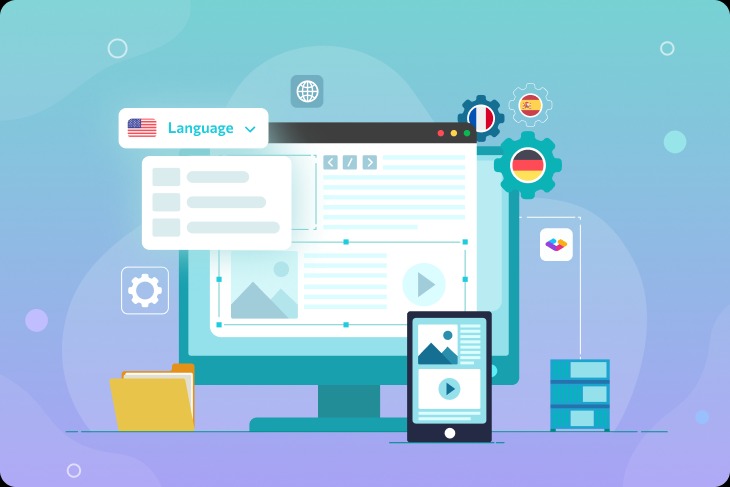
Software companies rely on a combination of translation management systems, design tools, and automation platforms to streamline UI localization. These tools help manage translations, maintain consistency, and ensure integration with development workflows.
Translation Management Systems (TMS)
TMS platforms like Phrase, Lokalise, and Crowdin centralize translation workflows. They support collaboration between developers, translators, and product teams. Features often include translation memory, glossary management, and string context previews.
| Tool | Key Features | Use Case |
| Phrase | Translation memory, API, integrations | Scalable localization workflows |
| Lokalise | In-context editing, Git support | Agile development teams |
| Crowdin | Visual context, mobile SDKs | Multilingual mobile apps |
Design Tools with Localization Plugins
Tools like Figma and Sketch support localization plugins that preview UI in multiple languages. Pseudo-localization is often used to simulate text expansion and layout impact before translation is complete.
Automation and CI/CD Integration
Automated pipelines allow companies to sync UI strings from source code to TMS and back. Continuous integration setups ensure that every software build includes the latest localized content, reducing manual effort.
The Human Touch: Cultural Sensitivity and Native Testing

Automated tools help detect layout issues, but they cannot judge cultural fit or tone. Native speakers provide critical insight that machines miss. They review localized UIs for clarity, tone, and cultural relevance.
Some visual symbols, gestures, or phrases may appear acceptable in one culture but be offensive or unclear in another. Native testers help prevent these issues before launch. Their feedback improves both usability and trust.
Include native testing as part of your QA cycle. It ensures the product feels local, not just translated.
Localization as a Growth Strategy
UI localization is more than a technical step. It is a core part of product strategy for companies expanding across markets.
Teams that plan for internationalization early, use the right tools, and involve cultural experts deliver better user experiences. Localization builds trust, improves engagement, and increases retention in every language.
Investing in localization means designing software that feels native to every user, no matter where they are.
Frequently Asked Questions (FAQs)
1. What is the difference between UI localization and translation?
Translation is the conversion of text from one language to another. UI localization includes translation, but also adapts layout, visuals, formatting, and cultural references to fit the target region.
2. What is internationalization (i18n) and why is it important?
Internationalization is the process of preparing software to support multiple languages and formats. It separates content from code and ensures flexibility in design. Without it, localization becomes inefficient and error-prone.
3. How do companies manage localization for multiple languages?
Most use translation management systems like Phrase or Lokalise. These tools help teams organize, review, and update UI strings across languages while integrating with development workflows.
4. Why is cultural testing necessary if translations are correct?
Even accurate translations can feel out of place. Cultural testing checks for tone, appropriateness of symbols, and usability in the target market. It ensures the product feels native, not just functional.
5. How do I choose a localization service provider?
Look for providers with experience in your industry, strong QA practices, and compatibility with your tools. Native-language expertise, transparent workflows, and support for continuous updates are also key.
6. What are common UI localization mistakes to avoid?
Common issues include hardcoded text, ignoring text expansion, skipping RTL support, and using symbols or phrases that don’t translate well culturally. Many of these can be avoided with early planning and native testing.